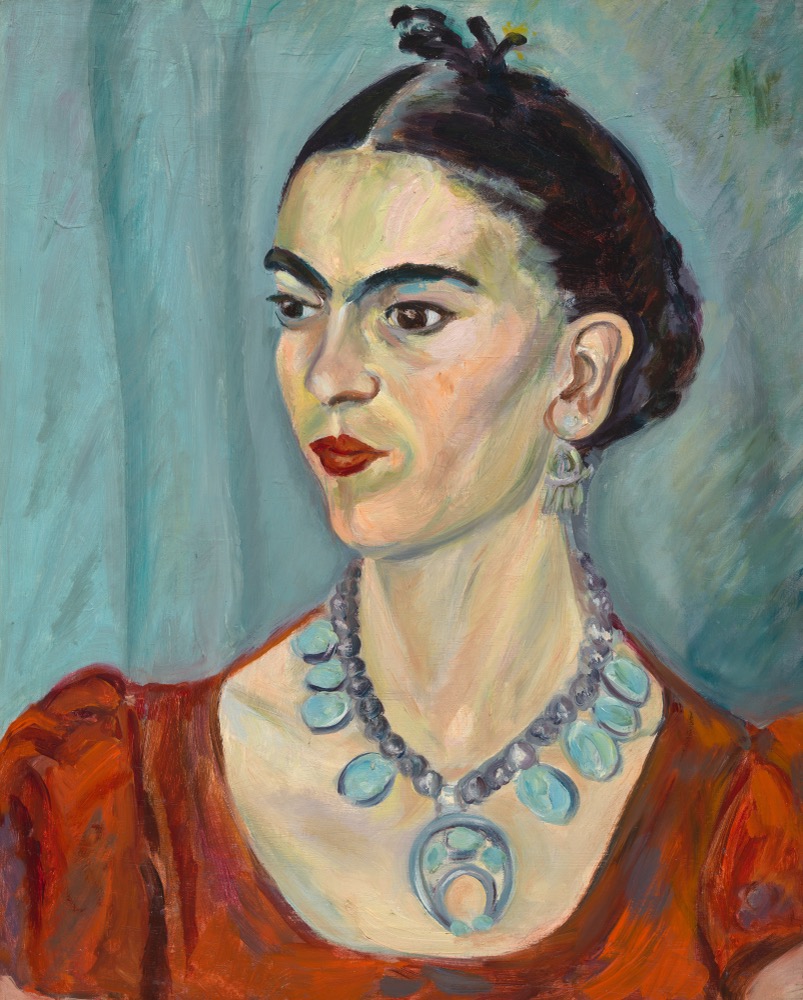
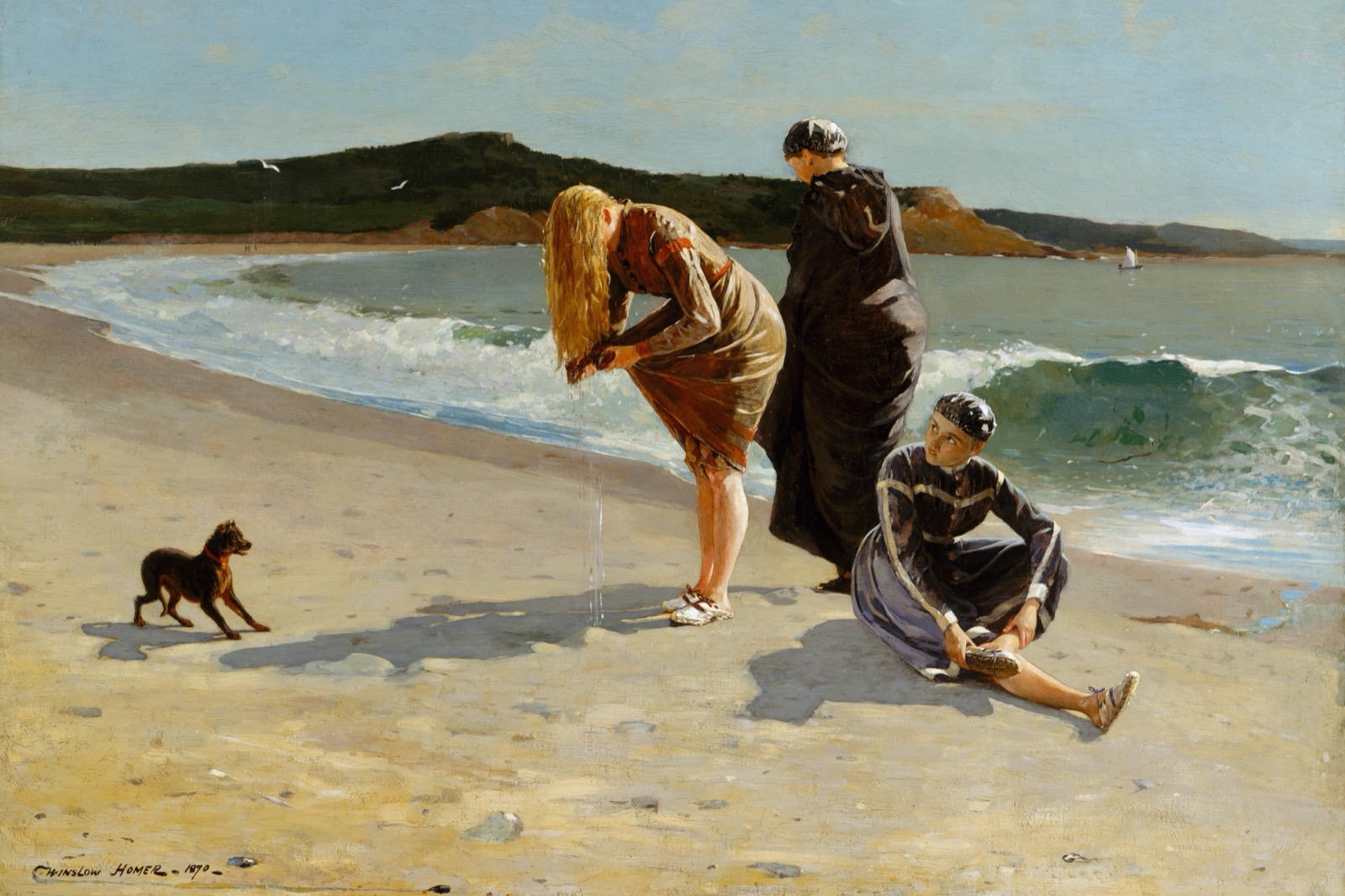
An aspect ratio is the relationship between an image's width and height — a shape, not a size. A 2:3 image keeps the same proportions whether printed at 4×6 or 24×36 inches (both are 2:3). Print at a different ratio and some edges get cropped — whether that matters depends on your image and what you ultimately want to keep in frame.
Framesie shows how your image fits each ratio, side by side — what gets cropped, what stays, and which sizes you can print.
What Aspect Ratio Means
Aspect ratio describes the shape of an image — not its size. It's the proportional relationship between width and height, written as two numbers separated by a colon.
A 2:3 image is always the same shape, whether it's 4×6 inches, 8×12 inches, or 24×36 inches. The numbers scale up, but the proportions stay identical. Think of it like a rectangle's DNA — no matter how large or small you make it, the shape remains constant.
Understanding aspect ratio for printing matters because frames and paper come in specific shapes. If your image is 2:3 and you try to print it at 8×10 (which is 4:5), something has to give. Either you crop the image to fit the new shape, or you add borders.
Common Aspect Ratios
Different cameras and devices create images at different ratios. Here are the most common for print:
If your image can print at one size in a ratio, it can print at every smaller size in that ratio too.
An image that reaches 24 × 36" also covers 16 × 24", 12 × 18", 8 × 12", and 4 × 6" — the full 2:3 family below it. The same is true at any entry point: an image that reaches 8 × 12" covers 4 × 6" automatically.
Whatever size your pixels produce, every smaller size in that ratio is also available. No additional calculation, no quality loss.
The Cropping Trade-off
Cropping happens when you fit one shape into another. Slide a square frame over a rectangular image and the edges fall outside the frame.
Whether that matters depends on your image. Some art has essential content near the edges; some doesn't. A painting with a centered subject might work beautifully across multiple ratios. An image with important details at the margins might need a specific ratio to preserve them.
2:3
Best Fit
4:5
1:1
The cropping isn't random — it's the geometric result of fitting one shape into another.
Framesie shows your image across all ratios side by side, with image preservation calculated for each. The ratio that preserves the most of your image is labeled "best fit" — but all ratios are available, and you can adjust the crop before exporting to capture exactly what you want.
What Aspect Ratio Is Best?
There's no single best ratio — it depends on your goals.
If you have a frame: The frame dictates the ratio. An 8×10 frame needs a 4:5 image; a 4×6 frame needs 2:3. Match the ratio, and your image fills the frame without cropping or matting.
If you're choosing based on content: Some images have flexibility. A centered subject works across many ratios. An image with important details near the edges may need a specific ratio to preserve them.
If you're selling prints: Offering multiple ratios gives buyers options. The more ratios you support, the more frame sizes you can accommodate — and the more customers you can reach.
Frequently Asked Questions
Check your image's pixel dimensions (width × height), then reduce to the simplest ratio. A 6000×4000 image is 3:2 (or 2:3 in portrait). Or upload to Framesie — it shows your image across all common ratios, identifies your best fit, and lets you crop and export at any ratio you choose.
There's no single best — it depends on your frame, your content, and your goals. If you have a frame, match its ratio. If you're flexible, choose based on what preserves your image best. See "What Aspect Ratio Is Best?" above for more.
Aspect ratio describes shape — the proportional relationship between width and height. Pixel count determines how large you can print — the total number of pixels your image contains. A 2000 × 3000 image and a 4000 × 6000 image are both 2:3, but the larger one has four times the pixels and can print at four times the area. Same shape, very different print potential.
Put it into practice.
Upload any image to find every size it can print at gallery-quality resolution. Crop, export, and it's ready for the printer.
Free to use. Private by design. No account required.